With the foratable no-show option, you can reduce losses from guests who don't show up and establish clear terms for your reservations. Setup is quick, straightforward, and easy to plan.
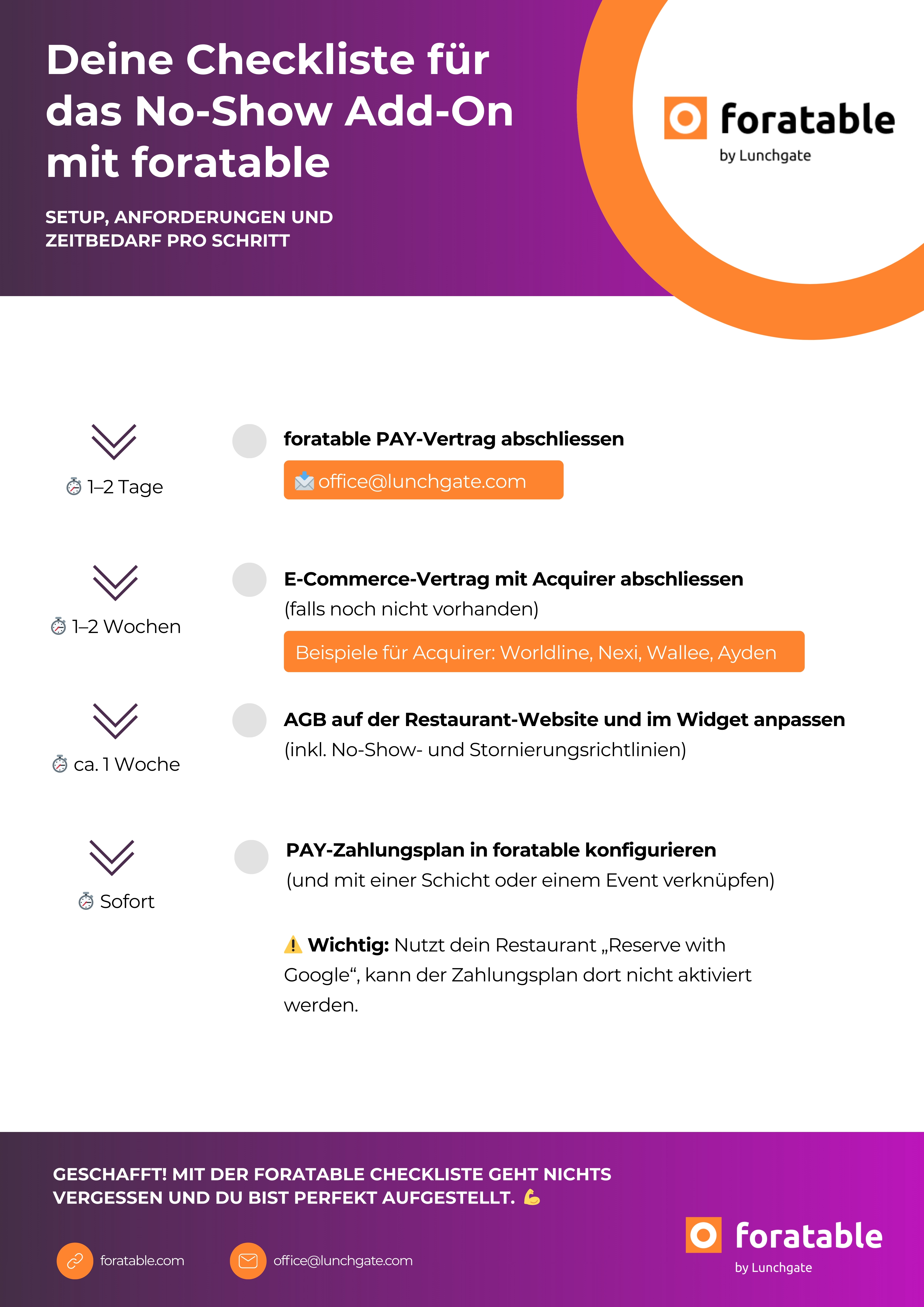
To use foratable PAY, you first need to sign a PAY contract. Additionally, if you don't already have one, you will need an e-commerce agreement with a payment provider. At the same time, you must update your legal terms , specifically the terms and conditions on your restaurant website and in the widget, including your no-show and cancellation policies.
Once these requirements are met, you can configure the PAY payment plan directly in foratable and assign it to a shift or event. The technical setup is completed instantly.
ℹ️ Please note: If your restaurant uses “Reserve with Google”, the payment plan cannot be activated there.
This checklist gives you an overview of all necessary steps, requirements, and the time involved ⤵️