Custom Reservation Questions
- With Reservation questions you can specifically request information such as allergies, menu preferences, seating requests, or consents during the online booking process.
- Questions can be configured by question type, mandatory status, display location, shift, event, or experience and linked to reservation labels.
With Reservation questions you can ask guests for the specific information your team needs for preparation and service right when they make their online reservation.
You can find reservation questions under:
Configuration → Schedule → Reservation questions
Prefer a video?
→ Go to the "Custom Reservation Questions" webinar (in German with German subtitles)
A. Choosing the right question type
Foratable offers various question types. The best type to choose depends on the information you need.

Multiple choice
Multiple choice is suitable when you ask a question where several answers can be selected at once. For example:
"Are there any allergies or intolerances we should be aware of for your visit?"

This allows a guest to select multiple relevant options, e.g., "lactose intolerance," "nut allergy," etc.
Single choice
Use single choice when the guest should only select one option.
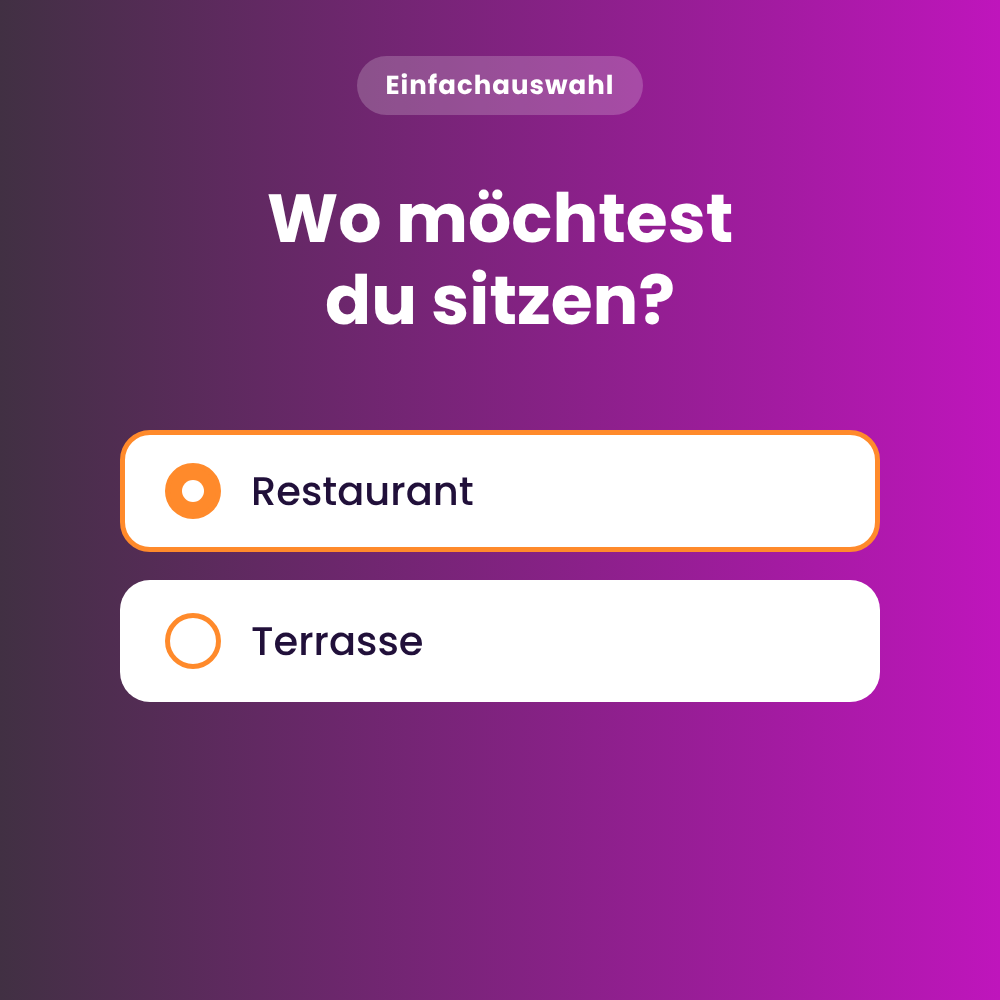
For example:
"Where would you prefer to sit?"
This is suitable for preferences or decisions where only one answer makes sense.
Another example is the Reason for visit:
"Is there something to celebrate?"
Possible answers could be, for example:
- Birthday
- Anniversary
- Engagement
- Business dinner
Quantity selection
Quantity selection is particularly suitable for pre-orders or general questions where, in addition to the selection, a quantity must also be specified.
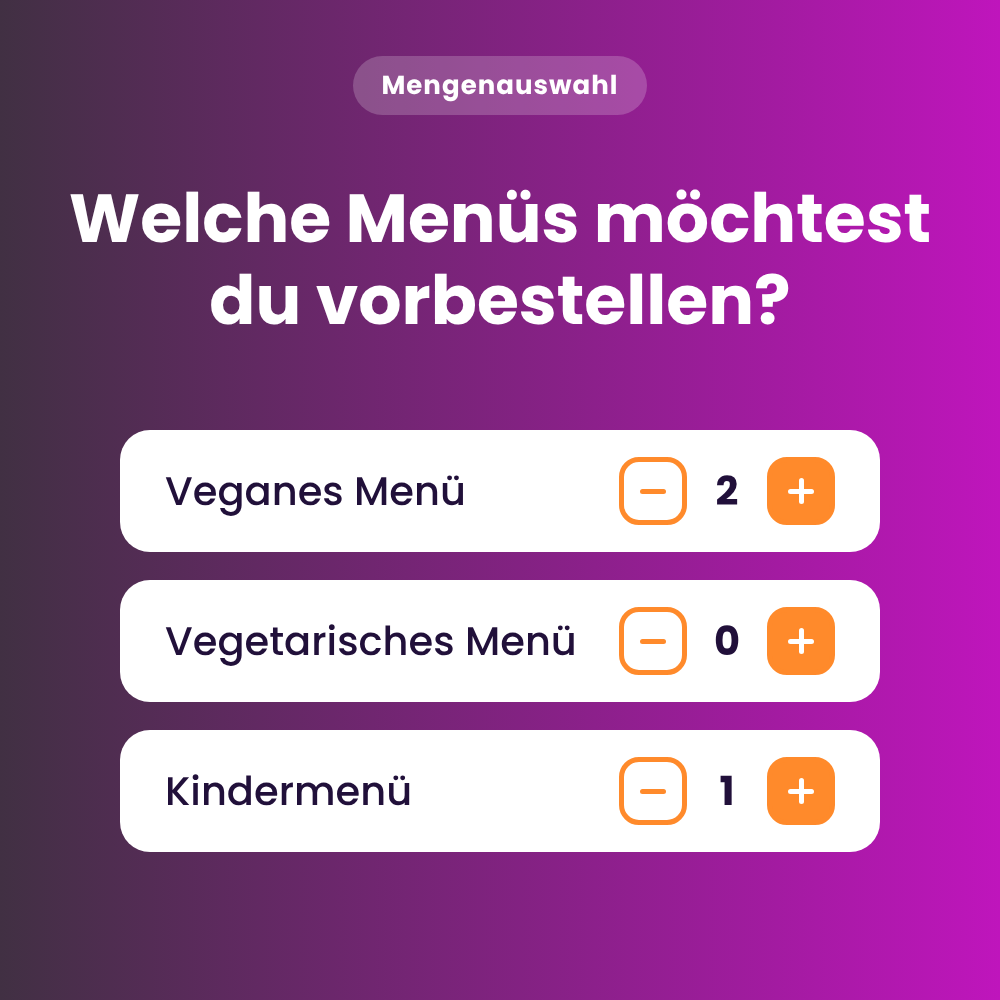
For example:
"Which menus would you like to pre-order?"
Quantity selection is suitable when guests need to specify how many units of a particular option are required.
For example:
"Which menus would you like to pre-order?"
The guest can specify how many vegetarian and how many meat menus are required.
Other useful examples include:
- "How many of the guests are adults and how many are children?"
- "How many high chairs are needed?"
You can additionally specify whether the total quantity selected must match the number of reserved guests.
For example:
For 6 guests, a total of 6 menus must be selected.
Free text
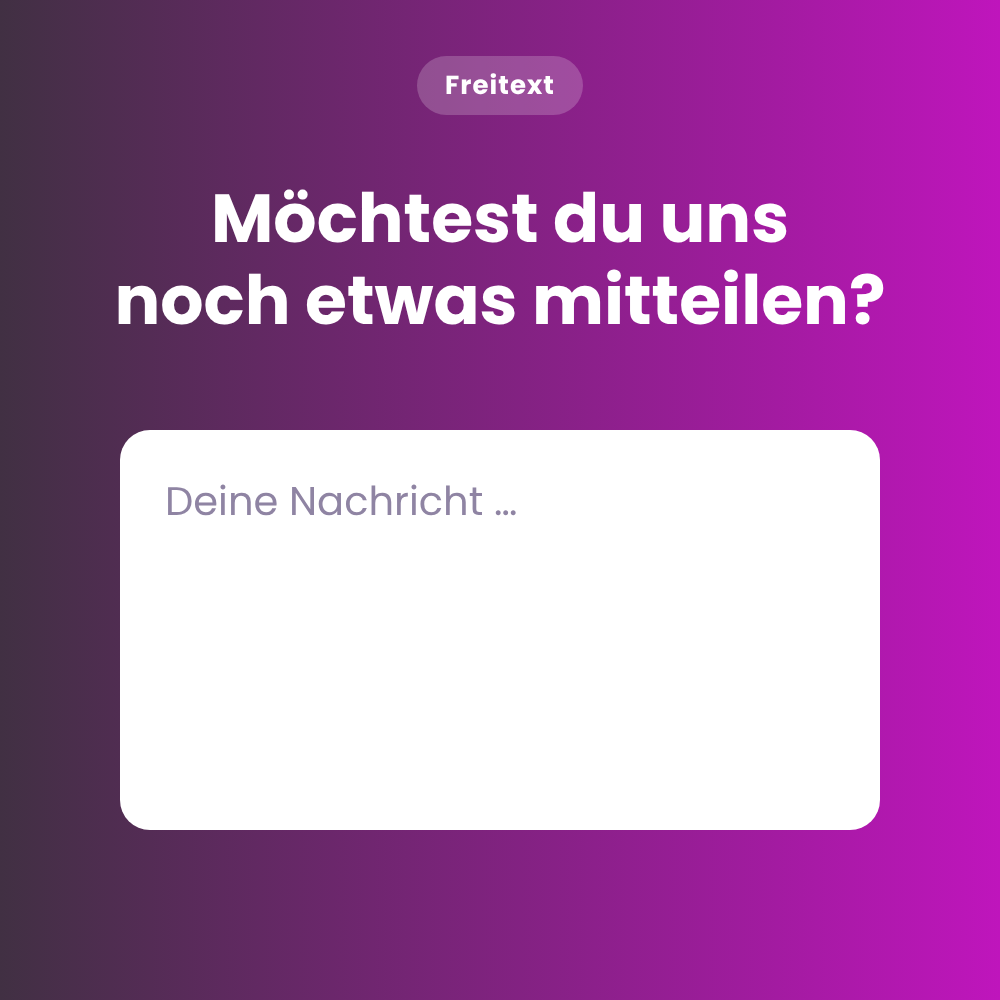
Free-text questions are suitable for inquiries where the guest can provide their own answer. For example:
"Is there anything else you would like to tell us about your reservation?"
This allows guests to enter individual requests or additional notes directly into a free-text field.
Input fields
With input fields, you can collect multiple related pieces of information in a structured way.
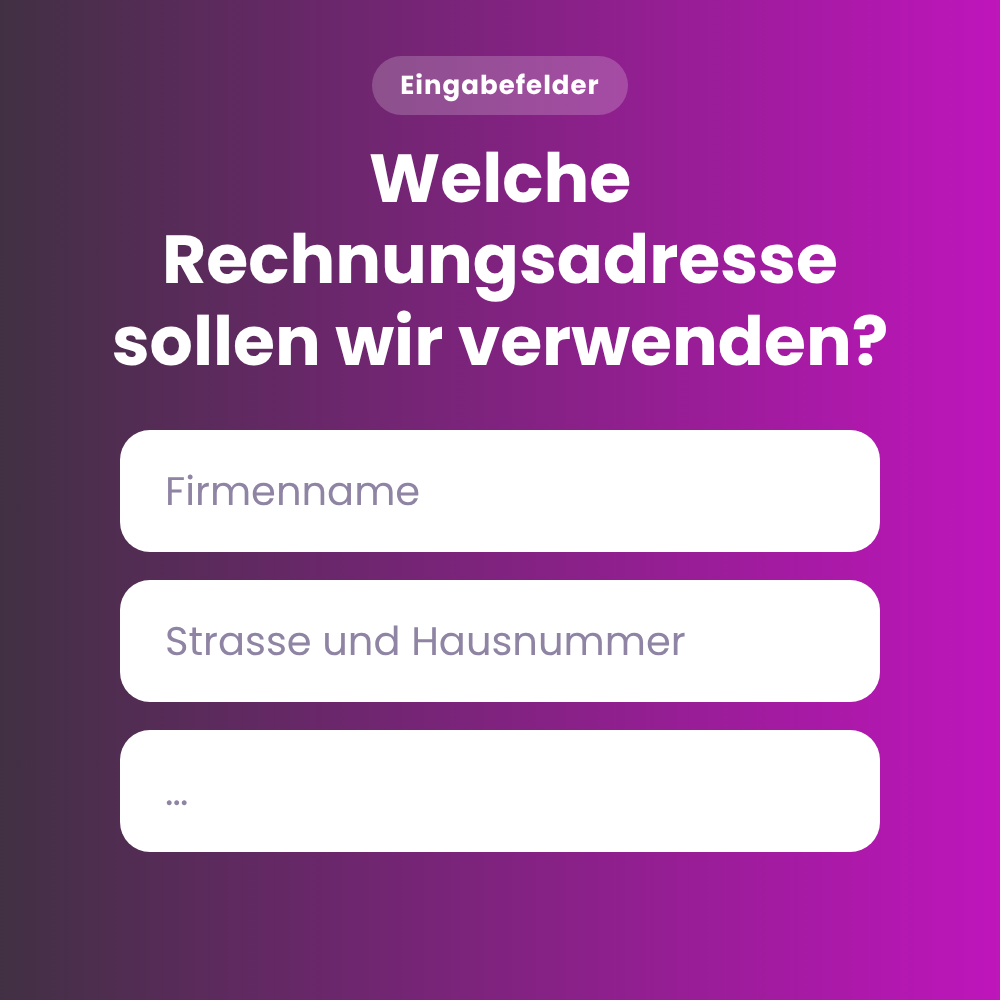
A typical use case is a billing address for a corporate event.
For example:
"Which billing address should we use for your business event?"
For this example, you would create three separate input fields:
- Street and number
- Postal code
- City
The guest then fills out these fields manually during the reservation process.
Consent
With a consent question, the guest can actively agree to specific terms.
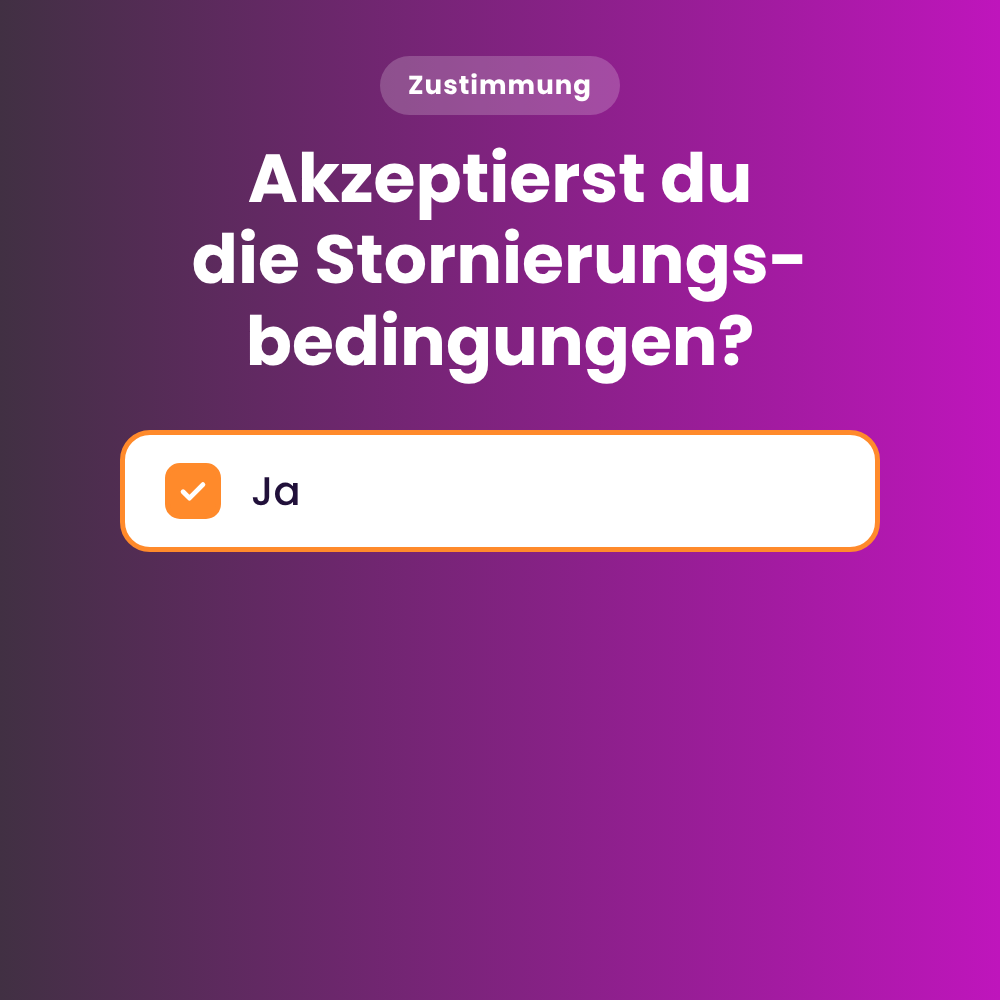
A particularly common use case is double seating. This allows you to inform the guest that the table is reserved for a specific duration and must be vacated afterwards.
Further examples include:
- special cancellation policies
- group policies
- binding event rules
Important: Responses can be linked to reservation labels so that important information is directly visible in the reservation later on.
Our tip: You can also format the question itself if needed, for example with bold text, centered text, images, or links.
C. Mandatory question or optional information?
Not every question should be mandatory. Only use mandatory fields if you truly need the answer to effectively prepare for or carry out the reservation.
For example:
Useful as a mandatory field
- Menu selection for an event
- necessary billing information
- Agreement to binding terms
Preferably optional
- Seating preference
- Reason for visit
- additional requests
How to avoid unnecessary hurdles in the reservation process.
D. Choosing the right display location
You can determine where the question is displayed during the reservation process.
Options include:
- As a separate step in the reservation process
- In the final step of the reservation process
Our recommendation: Display reservation questions as a dedicated step in the reservation process. This keeps the questions organized and ensures they receive sufficient attention.
E. Use questions strategically
Not every question needs to be displayed for every reservation.
Under Valid for you can determine whether a question should apply:
- to all shifts and rooms
- to specific shifts or events
- to selected experiences
apply.
For example, you can:
- display a menu question only for your New Year's Eve event
- use a business lunch question only at lunchtime
- link a specific question only to a particular experience
F. Use reservation labels consistently
Reservation labels play an important role in reservation questions: you can link specific answers directly to a reservation label link.
If a guest selects such an answer, the corresponding label is automatically assigned to the reservation.
You can find them in foratable under:
Configuration → Labels → Reservation labels
This allows your team to see important information directly in the reservation book or floor plan later on.
For example:
- Nut allergy
- Vegetarian menu
- Birthday
- High chair
G. Combining multiple questions
You can use multiple reservation questions for the same shift or experience.
For instance, you could ask the following questions in sequence for an event:
- Which menu would you like?
- Do you have any allergies?
- Do you need a high chair?
However, be careful not to make the reservation process unnecessarily long!
H. Maintaining questions in all languages
Ideally, you should maintain your reservation questions and answer options in all four available languages:
- German
- English
- French
- Italian
If a translation is missing, your restaurant's default language will be used automatically.
This ensures that guests can correctly understand and answer questions, regardless of their language.
I. Viewing reservation question responses/Displaying responses in the booking book
All reservation questions and their corresponding answers can be viewed within the reservation.
This allows your team to see the following before the guest arrives:
- which menu was pre-ordered
- which allergies were specified
- what seating preference exists
- what special requests the guest has noted
Linked reservation labels are also displayed.
This allows you to prepare specifically before the guest arrives.
J. Exporting responses
When exporting the reservation list via PDF or CSV , the responses to reservation questions can be included. This means that when you export reservations, you will see all the answers provided by a guest during the booking process for each reservation.
For example, you can create a list of all reservations, including menu pre-orders, before an event and use it outside of the reservation book.
K. Displaying information directly on the tables
By linking them to reservation labels, important answers can also be made visible directly on the tables in your floor plan.
This allows your team to immediately identify, for example:
- Allergies
- Menu pre-orders
- Other important notes
L. Test the reservation process in the widget
We generally recommend that you test the reservation process yourself in the widget from the guest's perspective .
It is best to check various shifts, events, and experiences.
Pay particular attention to the following:
- Are the right questions linked to the appropriate shifts, events, or experiences?
- Do they appear at the right stage of the reservation process?
- Does a question really need to be mandatory, or would it be better as an optional field?
- Are the questions and answers clearly phrased?
- Are all required language versions available?
This will help you quickly determine whether your reservation process is clear and well-structured for your guests.
Our recommendation
Reservation questions are especially valuable when the answers are actually integrated into your daily operations.
Don't start with as many questions as possible; start with a few that provide clear value.